


Task workflow triggers, language translation, and other feature
New features: ✅ Task trigger in workflows ✅ HTTP request in workflows ✅ Text formatting ✅ Editable channel templates ✅ Easy access to associated conversations ✅ Custom message notifications ✅ Round robin chat assignment ✅ Message translation ✅


Running a business means juggling tasks, chasing leads, and keeping customers happy—all while trying to stay a step ahead. Your AI CRM should make that easier, not harder. That is why we are excited to roll out a set of powerful new features to help you simplify daily operations, automate routine tasks, and connect with your customers more effectively.
Whether you manage a growing support team, oversee a sales pipeline, or wear multiple hats in a small business, these updates are built with your real-world challenges in mind.
1. Task trigger in workflows: Automate actions based on task updates
Why you will love it:
You can now trigger actions when tasks are created, updated, or deleted. With task trigger workflows, you can automatically update records, send internal messages, trigger webhooks, or assign follow-ups, and more.
How you can use it:
- Sales pipeline automation: Automatically update a lead stage to “Negotiation” when the task is updated.
- Customer onboarding: When a task like “Send welcome email” is completed, trigger the next onboarding step automatically.
- Manager alerts: Use time-based triggers and notify a team lead when a high-value task is overdue or completed.
Explore it:
Go to Settings → Automation → Workflow → Select "Task" as the trigger → Define your conditions and set your desired actions.
2. HTTP request in workflows: Connect your CRM with external tools
Why you will love it:
You can now extend your AI CRM functionality by connecting to third-party apps through HTTP APIs. This is ideal for custom integrations without writing code.
How you can use it:
- Update external dashboards: Send form submissions or lead updates to Google Sheets or BI tools.
- Trigger marketing emails: Send contact details to Mailchimp or ActiveCampaign when a contact meets a workflow condition.
Explore it:
Go to Settings → Automation → Workflow → Select a trigger → Add condition/delay → under “action”, select “Integration” and add an HTTP request → Configure it
3. Text formatting in replies: Add emphasis with bold, italics, or strikethrough
Why you will love it:
Improve message clarity and tone with rich text formatting. Highlight key information directly in your replies.
How you can use it:
- Highlight key points: Use bold to emphasise deadlines or deliverables.
- Add clarity: Use strikethrough to show outdated information, especially in long threads.
- Style messages: Use italics to soften tone or add nuance in support replies.
Explore it:
In the message module, while replying to messages → Double click on the text to get the formatting toolbar → Select the formatting
5. Editable channel templates: Keep your messaging consistent
Why you will love it:
You can now edit channel templates directly instead of creating new templates.
How you can use it:
Update greeting texts, automated responses, or follow-up templates without switching tools.
Explore it:
Settings → Customisation → Channel templates → Edit template as needed.
6. Easy access to associated conversations
Why you will love it:
Easily access the conversation associated with the record, and choose the channel to send a message to a lead or contact. Access the list of messaging channels with a single click on the record (lead/contact) details page.
How you can use it:
- Customer preference: Reply to leads via their preferred channel - WhatsApp, Facebook Messenger, WeChat, etc.
- Faster response times: Manage all platforms without switching tabs or apps.
Explore it:
Go to listing view/details page/Kanban view/Association card → Click on the message module → Select contact → Choose preferred messaging channel → Send your message.
7. Customisable message notifications: Take control of your message alerts
Why you will love it:
You can now customise when and how you receive browser and app notifications for messages, whether they are assigned to you, unassigned, or across specific channels.
How you can use it:
- Focus mode for agents: Only get notified when a message is assigned to you.
- Triage mode for managers: Receive alerts for unassigned or escalated messages only.
- Mute noise: Turn off sound notifications for low-priority channels or bots.
Explore it:
Message module → Notification settings → Customise notification preferences
8. Round robin chatbot transfers: Even load distribution for teams
Why you will love it:
Conversations handed over by the chatbot can now be auto-assigned to available agents using a round robin method, ensuring fair and balanced distribution.
How you can use it:
- Fair agent load: Distribute bot-qualified leads equally among available reps.
- Fast first response: Ensure no customer waits too long due to uneven distribution.
- Support SLAs: Prevent message pile-up on one team member, improving response rates.
Explore it:
Settings → Automation → AssistAI chatbot → Transfer conversation block → Choose labels
9. Real-time message translation: Communicate without language barriers
Why you will love it:
Translate incoming and outgoing messages instantly within the conversation. Engage customers in their native language, no matter your location.
How you can use it:
- Global support: Instantly translate queries from Spanish, French, or other languages.
- Sales across borders: Communicate with leads from different regions in their language.
- Internal collaboration: Allow multilingual team members to work on the same thread seamlessly.
Explore it:
In any message → Click "Translate" → View message in your preferred language.
 Pepper Cloud Marketing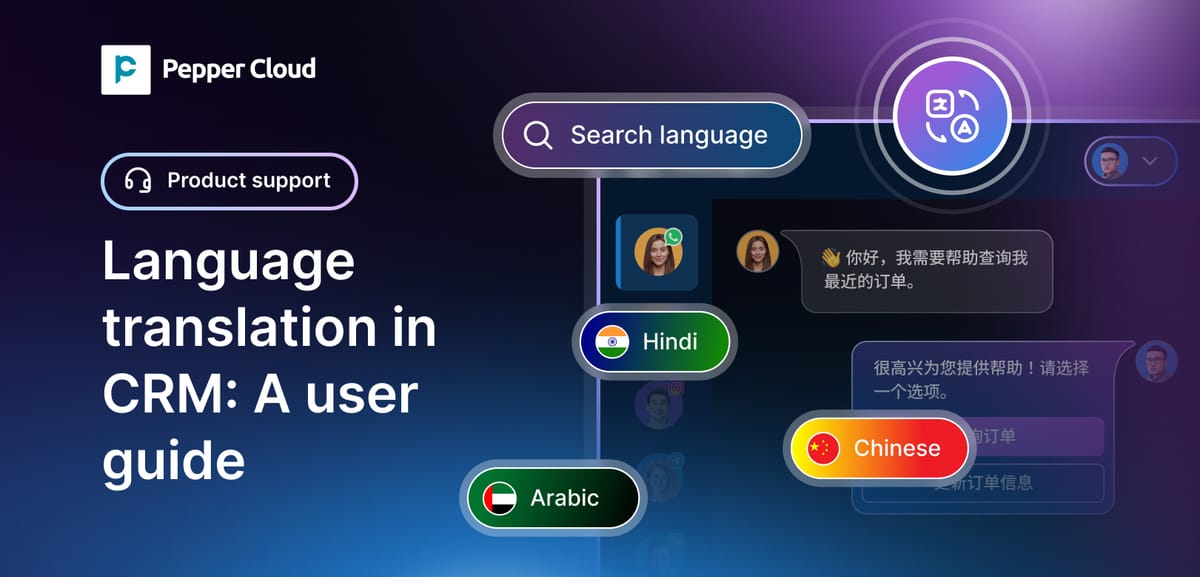
Start exploring these updates today
These new features are designed to give you greater control, deeper automation, and smarter communication, all within your existing CRM. Whether you are managing leads, supporting customers, or running campaigns, you now have more tools at your fingertips.
Ready to try them out?
Log in to your CRM and start exploring these updates. For detailed guides and support, contact us.


