


New features: Telegram personal, smarter workflow automation, conversation tracking, and more
Pepper Cloud CRM introduces powerful new features, including Telegram personal integration, advanced workflow automation, smarter conversation tracking, and enhanced lead management. Discover how these updates help sales and marketing teams automate tasks, improve visibility, and close deals faster.
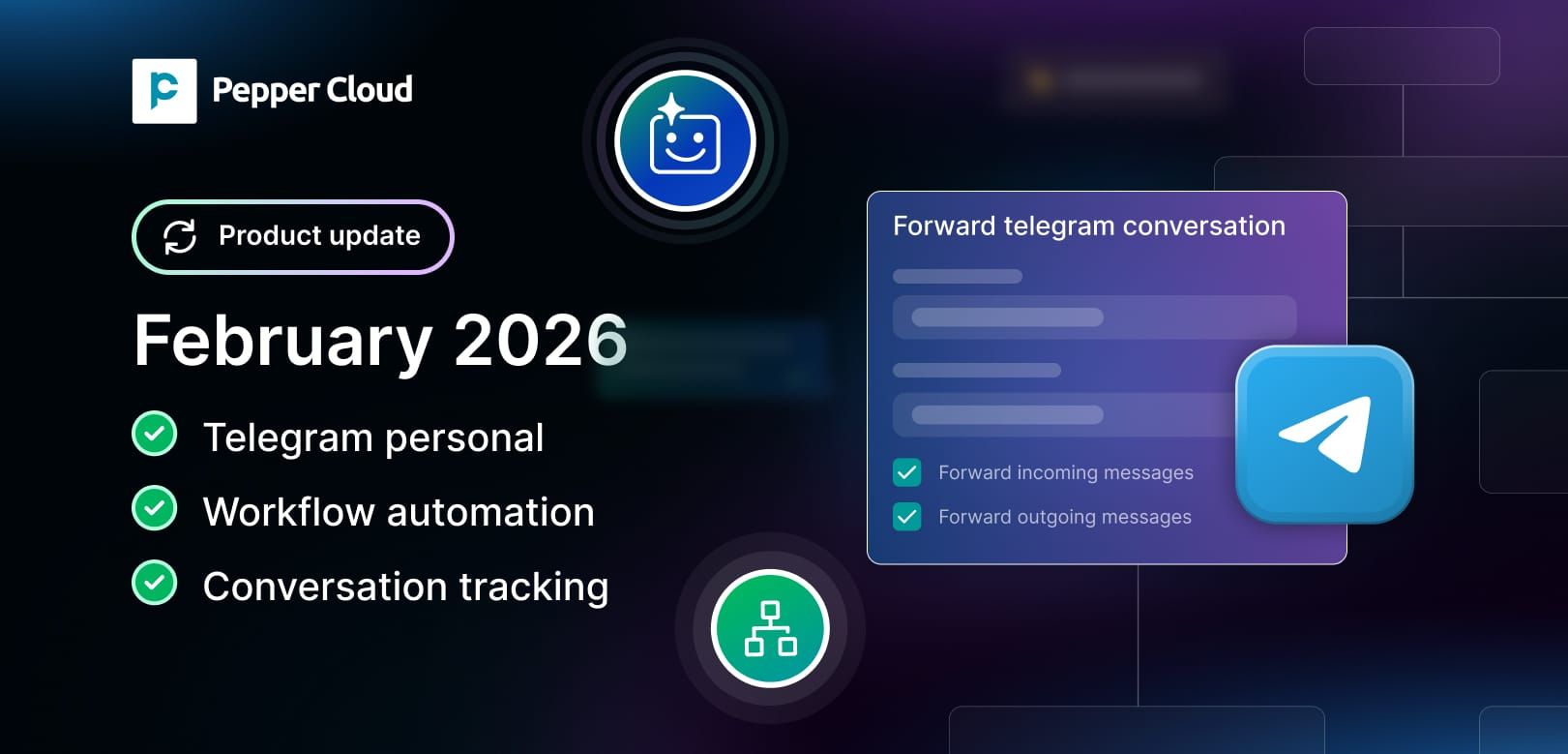

New features: Telegram personal, smarter workflow automation, conversation tracking, and more
Pepper Cloud CRM continues to evolve with powerful new features designed to improve sales productivity, enhance communication tracking, and automate repetitive tasks. In this latest product update, you gain deeper Telegram integration, advanced workflow automation, smarter message tracking, enhanced language support, and improved lead and activity management.
These new features are built specifically for teams who want to close deals faster, reduce manual effort, and gain better visibility into customer conversations.
1. Telegram personal integration for seamless CRM communication
Earlier, Telegram integration was limited to bot-based connections, or, if connected via a phone number, it was through Wazzup. With this new in-house Telegram personal integration, you can connect your Telegram account via phone number and manage conversations directly inside your CRM.
Why you will love it
- Direct integration with your Telegram number
- Start new conversations using a Telegram username
- Manage personal Telegram conversations inside CRM
- Improved visibility and centralised communication tracking
- Send messages to marketing tools and personalise campaigns and conversations.
How you can use it
If your sales team uses Telegram for prospect communication, you can now track every interaction within CRM. Sales managers can monitor conversations, ensure timely follow-ups, and maintain a complete communication history. Marketing teams can use conversation data to run personalised campaigns based on real interactions.
Steps to explore the feature
- Go to Settings in Pepper Cloud CRM
- Navigate to Integrations > Channels
- Select Telegram personal
- Connect your Telegram number
- Start managing conversations directly from the message module
Read the detailed user guide: Telegram personal integration with CRM
2. Smarter lead management directly from message module
You can now reject leads directly from the message module. Previously, rejecting a lead required navigating to the lead listing page or lead details screen. This update saves time and reduces unnecessary steps.
Why you will love it
- Reject leads without leaving the conversation view
- Faster lead qualification process
- Improved productivity for sales reps
How you can use it
When your sales team identifies an unqualified lead during a conversation, they can instantly reject it without switching screens. This keeps the workflow smooth and improves response efficiency.
Steps to explore the feature
- Open the message module
- Select the conversation
- Convert or reject the lead from the right panel.
3. Advanced workflow automation for smarter processes
Pepper Cloud CRM now introduces powerful workflow automation enhancements to help you automate more actions and reduce manual work.
3.1. Conversation update action
You can now automatically update any conversation field using workflow automation.
Why you will love it
- Auto-update conversation status or fields
- Reduce manual data entry
- Ensure accurate records
How you can use it
For example, when a conversation is closed, you can update the conversation with the sentiments.
 Pepper Cloud Marketing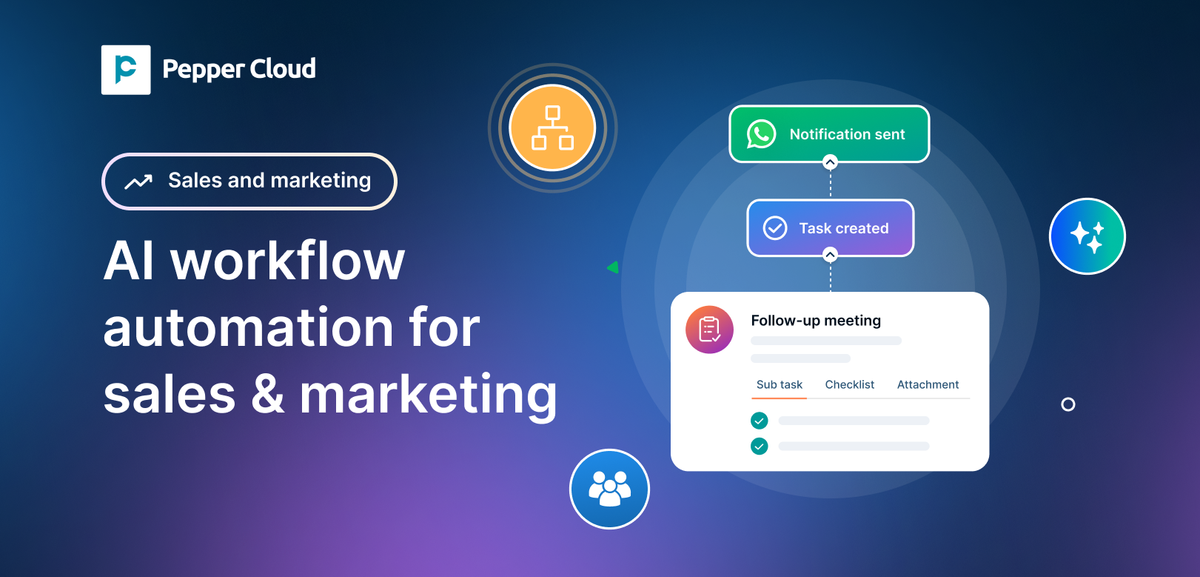
3.2. Label modifications in workflow automation
You can now automatically add, remove, or delete labels on leads, contacts, accounts, and opportunities using workflow automation.
Why you will love it
- Automatically define permission for each record using labels.
- Keep records organised
- Improve segmentation for campaigns
How you can use it
When a lead is created, you can automatically update the conversation permissions using labels.
3.3. Social comment triggers
You can now configure social comment triggers and set up follow-up actions. You can also get automatically notified when a user comments on your Facebook or Instagram posts and advertisements.
Why you will love it
- Never miss social engagement
- Faster response to potential prospects
- Improve social media lead conversion
How you can use it
Automatically notify your sales team when someone comments on an advertisement, enabling immediate follow-up and higher engagement rates.
3.4. Auto-associate contacts while creating an opportunity
Earlier, you could associate only accounts while creating an opportunity. Now, you can automatically associate contacts as well.
Why you will love it
- Complete opportunity data from creation
- Improved pipeline accuracy
How you can use it
When opp moved to a particular stage, and you want to create another opportunity for the same associated contact and account (Maybe to upsell the products), you can use create opp in workflow and choose the details of the first opportunity if needed.
4. Message source tracking for website widget
You can now track messages received through your website widget using tracking parameters.
Why you will love it
- Identify the exact campaign source
- Measure marketing performance accurately
- Improve attribution tracking
How you can use it
Track whether a message came from a specific campaign, landing page, or advertisement. This helps you optimise marketing spend and improve ROI.
Steps to explore the feature
- Configure website widget. Set up the “Enhanced” button type for the widget. It will automatically add the tracking parameters.
- Monitor incoming messages in CRM
5. Complete language support across all modules
Earlier language support across Pepper Cloud CRM was limited to Chinese and English. However, with the latest update, you can access all the modules within the CRM in any language and get full language support.
Why you will love it
- Full language support for global teams
- Better data accuracy in local languages
- Improved user experience
How you can use it
If you operate in multilingual markets, your team can now manage records in any language without restrictions.
6. Improved inactivity duration filters for smarter follow-ups
You can now filter records (Leads, contacts, accounts, and opportunities) based on “Last activity on” or “Last contacted at”. “Last activity on” indicates the following activity: sending emails, initiating/receiving calls, and adding logs, notes, tasks, documents, and events. “Last contacted at” includes sending messages to leads or contacts.
Why you will love it
- Identify inactive leads quickly
- Improve follow-up discipline
- Prevent lead leakage
How you can use it
For example, if a lead has not been contacted for a specific number of days, you can trigger a notification to the assigned sales agent.
Take your workflows to the next level
These new Pepper Cloud CRM features are designed to help you automate workflows, enhance Telegram CRM integration, improve lead management, and gain deeper visibility into customer interactions.
If you want to streamline communication, increase productivity, and close deals faster, now is the time to explore these updates.
Log in to your Pepper Cloud CRM account today and start leveraging these powerful new capabilities. If you would like a personalised walkthrough, request a demo and see how these features can transform your sales process.


