


6 Best WhatsApp Ticketing Solutions for Small Businesses
The top WhatsApp ticketing platforms for small businesses are Pepper Cloud, Wati, Interakt, Respond.io, AiSensy, and Trengo. Each platform offers shared team inboxes, AI automation, intelligent ticket routing, and SLA tracking to accelerate your resolution times.
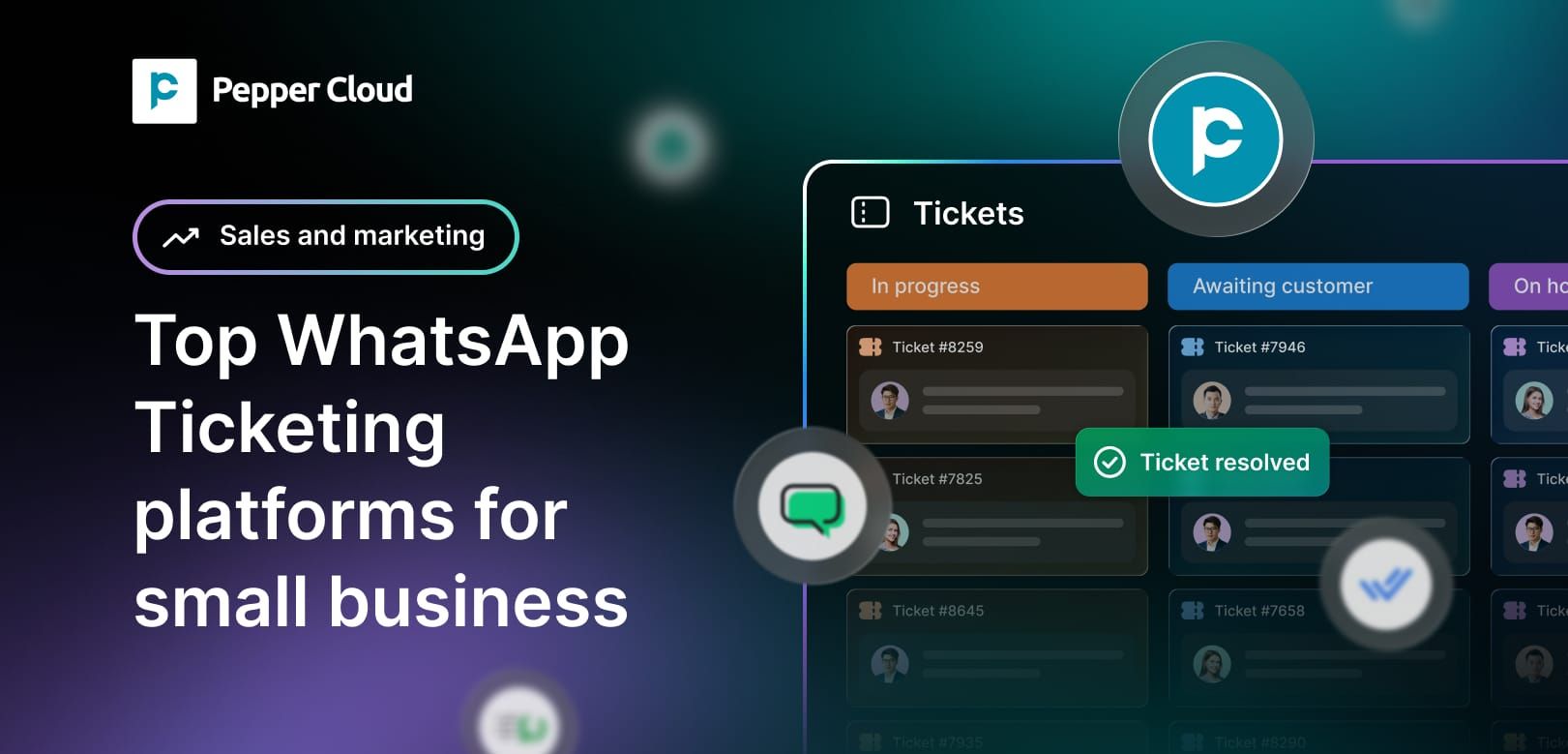

Are your team’s WhatsApp chats currently stuck on a single smartphone, where customer messages routinely slip through the cracks, support requests sit unanswered for hours, and nobody knows who is replying to whom?
When 86% of buyers say they are willing to pay more for a superior customer experience, leaving your primary communication channel to pure chance is actively lost revenue. Recent industry analyses indicate that WhatsApp's daily message volume has surpassed 148 billion messages, with over 234 million people messaging business accounts every day.
For small businesses trying to scale, managing this sheer volume using the standard, free WhatsApp Business app quickly becomes impossible. To turn high-volume messaging into systematic, trackable support operations, growing brands are upgrading to dedicated WhatsApp ticketing software.
Below is an in-depth breakdown of the top WhatsApp ticketing platforms for small businesses, starting with the highest-rated solutions built for scale, automation, and effortless resolution.
What is a WhatsApp ticketing system?
A WhatsApp ticketing system (also known as a WhatsApp helpdesk) is a central software workspace that automatically converts incoming WhatsApp messages into trackable support tickets.
Powered by the official WhatsApp Business API, these platforms allow your entire team to manage all customer conversations from one shared inbox using a single, unified WhatsApp Business number.
- For support agents: Access real-time customer data, purchase history, and context side-by-side with chat threads. Utilise AI-powered suggestions and custom knowledge base replies to resolve issues without asking customers to repeat themselves.
- For team leaders: Track performance metrics, monitor resolution speeds, balance workloads, and ensure compliance using real-time SLA (Service Level Agreement) dashboards and reporting.
- For customers: Receive instant, round-the-clock support on their preferred messaging application without tedious phone holds or unread email threads.
 Pepper Cloud Marketing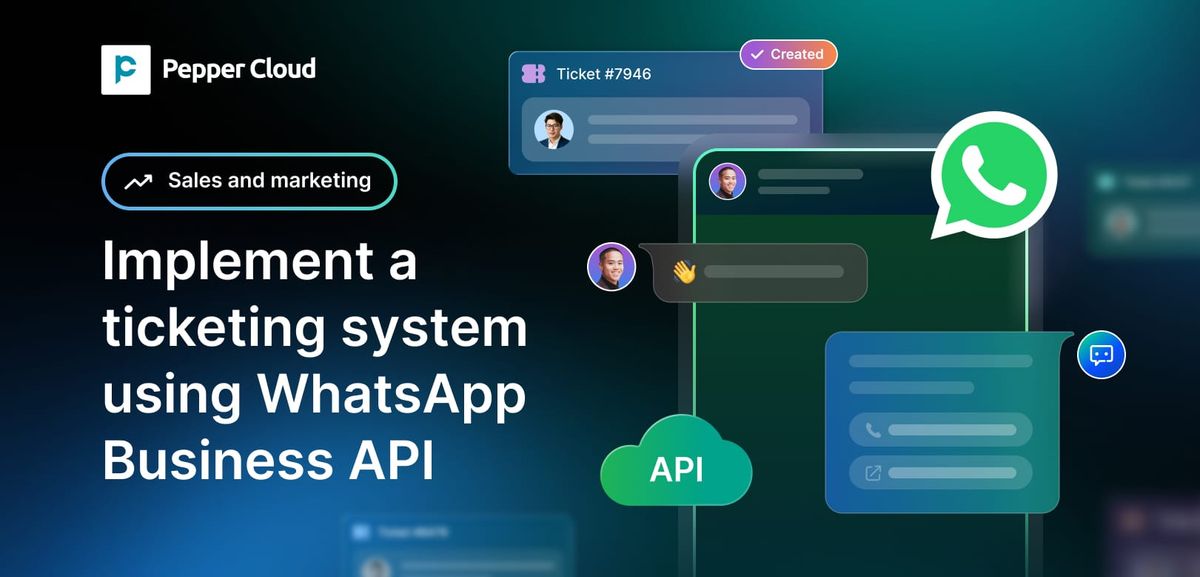
Why do small businesses need a WhatsApp CRM for customer service?
Centralising customer communications into a WhatsApp CRM changes how a business operates:
- Engage customers: Connect on a channel with 98% open rates and instant engagement.
- Never lose track of a query: Every incoming chat becomes an explicit ticket, complete with priority levels, assignment tags, and status tracking.
- Complete customer context: See past purchases, store interactions, and prior tickets directly alongside the conversation.
- Scale without expanding headcount: Automation handles repetitive FAQs, enabling a lean team to resolve significantly higher volumes of messages.
- Drive repeat business: Studies show 61% of small business revenue comes from repeat customers; instant, personalised service builds the long-term trust that drives retention.
What Are the Best WhatsApp Ticketing Platforms for Small Businesses?
To survive and scale, growing businesses are turning to dedicated software that transforms unorganised chats into trackable support tickets.
Here is a definitive list of the top WhatsApp ticketing platforms designed specifically for small businesses looking to streamline support, scale efficiency, and boost retention.
1. Pepper Cloud: AI-Powered WhatsApp Ticketing CRM
Pepper Cloud is an AI-powered WhatsApp CRM that turns every incoming WhatsApp message into a fully trackable support ticket. Designed specifically for scaling teams, it enables support and sales departments to respond instantly.
Pepper Cloud is a best CRM tool to improve coordination among SMF departments and improve our database management. The user-friendly interface, easy-to-use functions, and customisable features meant we could set up, integrate, and onboard the whole team on the cloud platform quickly.
Wilson Tan
Senior Manager
Singapore Maritime Foundation
Using AI chatbots, route complex issues automatically to the right team members and manage all conversations within a shared team inbox, all anchored to a single WhatsApp Business number.
- AI-Powered chatbots and automation: Provide customers with accurate answers 24/7. Trained directly on your custom knowledge base, AI agents manage routine first-level inquiries during business-off hours and reduce overall agent workload by up to 50%.
- Round-Robin and automated ticket routing: Distribute incoming support queries fairly across your team. Automated chat flows assign tickets based on real-time agent availability and skill sets, eliminating bottlenecks and maintaining equal workload distribution.
- SLA tracking and auto-escalation: Establish pre-defined Service Level Agreements (SLAs) for first-response and full-resolution times. If a ticket sits unresolved past your set threshold, the platform auto-escalates it up your defined management matrix to protect service quality.
- Native Jira and software integrations: Support teams can convert technical support tickets directly into Jira tasks with a single click. This bridges the gap between customer-facing staff and development/engineering teams, ensuring complex software bugs get resolved quickly.
- Real-Time analytics dashboards: Gain full visibility into agent efficiency, overall SLA compliance, and recurring ticket trends to make operational adjustments grounded in real data.
2. Wati
Wati is a widely recognised no-code WhatsApp management platform tailored for small to mid-sized businesses looking for straightforward chat management and basic automation.
- No-Code drag-and-drop builder: Easily build automated chat flows and basic decision-tree bots without developer help.
- Shared team inbox: Centralise team access across multiple agent seats with basic user roles.
- Broadcast scheduling: Send bulk notification templates to opted-in contact lists.
3. Interakt
Interakt is built primarily for direct-to-consumer (D2C) brands and e-commerce merchants running on platforms like Shopify and WooCommerce.
- Automated commerce notifications: Triggers automatic updates for order confirmation, shipping tracking, and abandoned cart reminders.
- Shared agent workspace: Unified inbox for handling incoming product queries and return requests.
- Catalogue showcase: Displays store items directly inside WhatsApp chats to encourage quick purchases.
4. Respond.io
Respond.io is a customer conversation management platform designed for businesses that need to manage WhatsApp alongside other social messaging apps.
- Omnichannel messaging: Aggregates WhatsApp, Facebook Messenger, Instagram DMs, and Telegram into one inbox.
- Workflows automation: Custom routing scripts based on geography, VIP status, or specific language preferences.
- Flexible contact management: Merges contact records across different social platforms to maintain customer context.
5. AiSensy
AiSensy is an entry-level WhatsApp engagement tool designed to help early-stage businesses launch basic WhatsApp messaging campaigns.
- Broadcast campaign launcher: Designed for sending promotional offers and newsletter updates.
- Basic chatbot flow: Sets up quick auto-replies for out-of-office hours and frequent questions.
- Contact segmentation: Filters customer contacts into targeted broadcast lists.
6. Trengo
Trengo is a customer operations and omnichannel communication hub that unifies WhatsApp, email, live chat, and social channels into a single, structured ticketing inbox.
- Omnichannel helpdesk inbox: Combines WhatsApp chats, emails, and social DMs into unified, ticketed customer threads.
- Flowbots and AI helpmate: Build multi-step decision trees and deploy AI assistants to qualify incoming support inquiries automatically.
- Deep e-commerce and CRM integrations: Connect directly with Shopify, HubSpot, and Salesforce to sync order details beside support tickets.
How to Deploy a WhatsApp Ticketing CRM?
05 easy steps to deploy Pepper Cloud Whatsapp Ticketing CRM are as follows:
1.Define Automated Ticket Routing and SLAs
Map out clear rules for ticket assignment before launch.
Ensure tier-one queries are filtered by automated bots, while complex issues pass to specific departments with enforced SLA deadlines.
2.Deploy AI Chatbots for First-Contact Resolution
Train your AI chatbot on your existing FAQs, policy documents, and knowledge bases.
Automating standard queries cuts first-response times to under a minute and reduces human agent workload by up to 50%.
3.Connect Your CRM and ERP Software Stack
Connect your WhatsApp CRM to your accounting software, communication channels, and task management platforms to ensure full context across operations.
4.Ensure Meta and WhatsApp Business API Compliance
Review your SLA compliance dashboard weekly to identify response bottlenecks, track peak conversation hours, and adjust agent scheduling accordingly.
5.Maintain strict WhatsApp Business policy compliance
Always collect explicit opt-ins before sending promotional broadcasts, use approved message templates, and provide clear opt-out choices to keep your WhatsApp Business account verified and compliant.
How to Choose the Right WhatsApp Ticketing Software?
Selecting the ideal WhatsApp ticketing platform depends heavily on your operational complexity. While simpler broadcast tools suit basic outreach, growing businesses requiring true service accountability, AI automation, SLA enforcement, and CRM integration benefit most from dedicated end-to-end solutions like Pepper Cloud AI WhatsApp CRM.
By converting everyday conversational messages into trackable, SLA-backed tickets, small businesses can drastically reduce workload, respond faster, and build long-term customer loyalty.
Frequently Asked Questions (FAQs)
1. How is a WhatsApp CRM different from the free WhatsApp Business app?
The free WhatsApp Business app is designed for solo operators managing up to 1–2 agents on a single mobile device. A WhatsApp ticketing CRM (like Pepper Cloud) uses the official WhatsApp Business API to allow multiple agents to log in simultaneously using a single phone number, automatically route chats, monitor team SLAs, and log tickets into systems like Jira.
2. Can we maintain a single phone number for our entire support team?
Yes. By integrating with the WhatsApp Business Cloud API through a ticketing platform, your entire support staff can send, receive, and manage incoming queries from one official business number without colliding or dropping chats.
3. How do AI chatbots reduce my support team’s daily workload?
AI chatbots can be trained directly on your custom knowledge base, FAQ documents, or website links. They automatically handle up to 50% of routine first-tier enquiries such as order status updates, refund policies, and business hours 24/7 without needing human intervention.
4. What happens if a support ticket breaches its designated response time?
Advanced WhatsApp CRMs feature Service Level Agreement (SLA) tracking. If a customer query remains unanswered or unresolved beyond your pre-defined threshold, the platform triggers an automatic escalation, alerting team managers or re-assigning the ticket to keep accountability high.
5. Is Meta approval required to use a WhatsApp ticketing platform?
Yes. Operating a dedicated WhatsApp helpdesk requires linking your Meta Business Manager account to the WhatsApp Business API. Platforms like Pepper Cloud guide you through the initial setup, phone number verification, and message template approval process.