


How real estate agencies track properties without leaving their CRM
Learn how custom modules help real estate agencies build a CRM around their workflows. Centralise property listings, connect buyers and sellers, track site visits, manage property pipelines, create custom views, automate follow-ups, and keep property and customer data organised in one CRM.

Did you know that up to 58% of real estate leads never reach a connected conversation due to fragmented data, delayed follow-ups, and disorganised property listings? The growing real estate industry runs on immediate response times and tailored property matching.
Yet, thousands of real estate agencies still rely on rigid, traditional CRMs that force them into severe operational workarounds.
Standard CRM systems are built around basic sales objects: Leads, Contacts, Accounts, Opportunities, and Tickets. While that structure works well for generic B2B sales, real estate operates on unique assets. Adding data into generic custom fields within a single Lead record leads to messy spreadsheets, lost records, and missed commission deals.
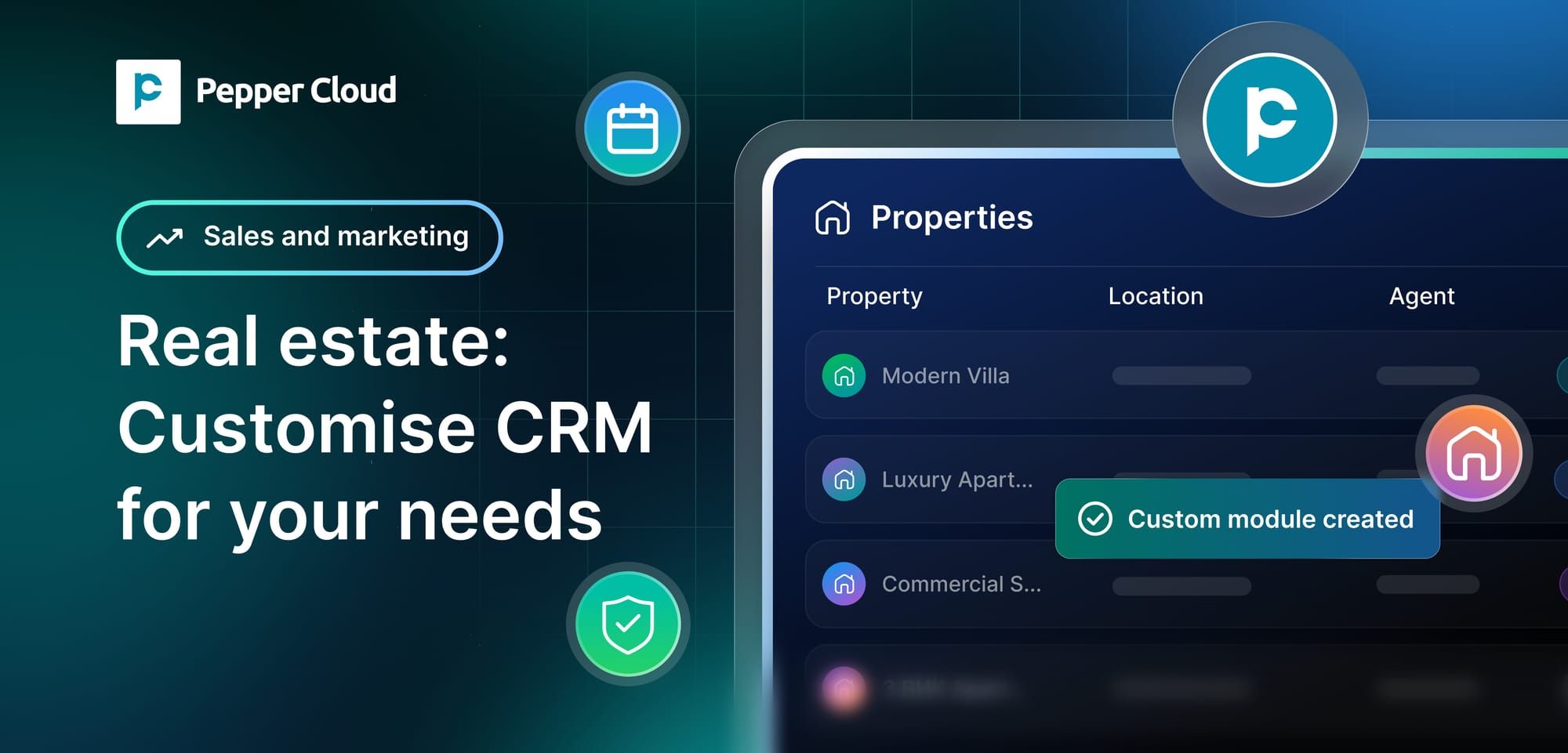
To solve this, modern real estate firms are turning to flexible data models. Using a custom module in CRM, real estate agencies can build a fully tailored system designed around their actual operational workflows, managing properties, site visits, and landlord listings alongside their buyers and deals, all without leaving their central workspace.
What is a custom module for real estate?
A custom module for real estate is a user-defined data structure created inside your CRM that models unique industry-specific records, such as Properties, Floor Plans, Developments, or Rental Units.
Instead of forcing your real estate agents to maintain separate Excel spreadsheets or log property details inside chaotic contact notes, an admin can build a dedicated "Property" or "Listing" record type directly within the CRM interface. With a dedicated custom module for real estate, your agents get access to:
- Custom fields and specs: Capture property types (residential, commercial, industrial), carpet area, asking prices, zoning rules, furnished status, and listing media.
- Property pipelines: Track listings across lifecycle stages (e.g., Draft -> Inspection -> Active Listing -> Price Negotiated -> Under Contract -> Sold/Leased).
- Direct record links: Connect a single property record to multiple potential buyer leads, distinct landlord contacts, and active deal pipelines.
- Role-based permissions: Restrict sensitive owner agreements or pricing documents to senior brokers while keeping property specs accessible to field agents.
 Pepper Cloud Marketing
The data challenges of traditional real estate workflows
Real estate agencies rarely struggle because they lack data. They struggle because the data is spread across too many places.
Property information gets scattered
Property details may be maintained in Excel sheets, listing portals, email threads, messaging apps, and internal documents. When an agent needs the latest price or availability, they may have to check several sources.
Buyer and property data remain disconnected
Knowing that a customer is interested in a three-bedroom apartment is useful. Knowing which three-bedroom properties they viewed, which one they preferred, and what follow-up is due is far more useful. When property records are not connected to customer records, agents lose this context.
Teams work with inconsistent information
One agent may record a property as "Available," another as "Open," and someone else as "Active." Without structured fields and records, maintaining consistency becomes difficult as the team grows.
Follow-ups become harder to manage
A property transaction involves many activities: calls, site visits, document sharing, negotiations, reminders, and emails. If these activities are disconnected from the property record, important context can disappear between interactions.
Reporting becomes difficult
Spreadsheets may help with basic tracking, but they become harder to manage when agencies need to understand property status, agent ownership, activity history, pipeline movement, or customer-property relationships together.
What does a custom module for real estate actually do?
By implementing custom modules, real estate agencies transform how property records interact with sales operations:
- Centralises property records: Stores listing numbers, property types, pricing details, and seller profiles in a single, accessible system.
- Establishes relationship mapping: Connects a single Property record to multiple Contacts (sellers, interested buyers, tenants) and Opportunities without duplicating data.
- Drives property pipelines: Visualises property listings on Kanban boards or structured tables, tracking their journey from pre-market preparation to closing.
- Enforces access control: Sets role-based read, write, and export permissions across admin, agent, and support profiles to keep sensitive transactional data secure.
How real estate agencies use custom modules: High-impact use cases
Custom modules adapt directly to different real estate operational models:
1. Create a centralised property inventory
Instead of maintaining separate, error-prone spreadsheets for listings across team devices, real estate agencies can create a dedicated Property record for every listing directly inside the CRM.
Each record contains structured, high-value information about the property, including exact location, asking price, carpet area, property type (villa, apartment, commercial, plot), furnishing status, availability, assigned agent, and custom fields relevant to your business.
Agents can then search, match, and filter properties instantaneously based on live information stored in the central database during buyer calls.
2. Connect properties with buyers and sellers
A property rarely exists in isolation. It connects to a seller, several interested buyers, an assigned broker, and one or more active sales opportunities.
Associations allow these records to remain linked across your database. An agent can move between the property profile, the landlord's contact card, and prospective buyer leads without duplicating information or re-entering details across multiple places.
3. Track site visits and follow-ups
A site visit is far more actionable when its context stays permanently attached to the relevant records. Agents can log activities such as phone calls, WhatsApp messages, site visit schedules, inspection notes, and email threads directly against a property record.
Activities can also be associated with another CRM record where required. For example, an agent can log a site visit against a Property record and associate that same activity with the interested Lead.
This keeps the interaction history visible from both sides of the relationship, ensuring full visibility for sales and support teams.
4. Manage property pipelines
Not every listing follows the same journey, but most brokerages rely on repeatable pipeline stages. A custom pipeline helps teams track exactly where each property currently stands in its lifecycle.
For example: Listing Received → Verification → Published → Viewing → Negotiation → Closed
With records moving through defined stages in a visual Kanban layout, managers get a clear picture of the property portfolio and identify stalled listings that require immediate attention or marketing support.
5. Organise records with filters and views
A large property inventory can quickly become difficult to navigate without proper categorisation. Custom module records can be filtered using custom fields, assignees, pipeline stages, creation dates, record associations, and other custom properties.
Agencies can switch between table list views or visual Kanban views depending on how they want to work. An agent can, for example, create and save quick-access views for:
- Available properties
- Properties assigned to them
- Properties under negotiation
- Recently added listings
- Properties requiring urgent follow-up
This makes the CRM remarkably practical for day-to-day property management.
6. Automate repetitive property workflows
Once property information is structured inside the real estate CRM, it becomes an active driver of workflow automation rather than sitting as passive data. For example, an automated workflow can trigger instantly when a property record is created, updated, or deleted.
This allows agencies to automate crucial actions, such as updating buyer status, finding related lead criteria, creating follow-up tasks, sending automated WhatsApp notifications, or associating new enquiries.
The result is an agile workflow where property data actively accelerates sales processes and keeps client communications moving forward.
Key benefits of using custom modules in your real estate CRM
- Complete data alignment: Keep property attributes, buyer communications, and transaction histories under one roof.
- Zero code required: Admins can build, edit, and launch property structures through a simple interface without developer support.
- Faster closing cycles: Instantly match buyer preferences with active property listings stored in your CRM.
- Cross-team access controls: Maintain visibility across agents, listing managers, and legal personnel with fine-grained profile permissions.
Build a CRM around your real estate business
Relying on separate spreadsheets and disconnected tools to track property assets can slow down deals, create duplicate records, and fragment customer information. Custom modules in CRM give the best real estate builders the flexibility to structure property listings, commercial spaces, project units, inspections, and other industry-specific data directly inside their primary CRM workspace.
With property records connected to buyers, sellers, opportunities, site visits, and follow-ups, agents can work with the complete context they need without constantly switching between systems. This makes it easier to keep property data organised, improve team visibility, and maintain consistent workflows as the business grows.
Ready to streamline your property workflows? Model your CRM around your business and take client communication further with integrated Pepper Cloud AI WhatsApp CRM solutions. Book a demo and keep buyers and sellers updated, manage conversations, and connect customer communication with your property workflows from one place.
Frequently asked questions
1. What is a custom module in CRM for real estate?
A custom module lets a real estate agency create a dedicated record type, such as Property Listing, to manage property-specific information alongside leads, contacts, and opportunities.
2. What property details can a real estate CRM track?
Agencies can structure fields for details such as property type, location, price, area, BHK configuration, availability, listing status, assigned agent, and other business-specific information.
3. Can property listings be linked to buyers and sellers?
Yes. Property records can be associated with Leads, Contacts, Accounts, Opportunities, and other relevant CRM records, keeping buyer and seller information connected to each listing.
4. Can custom modules track the property sales process?
Yes. Agencies can create pipelines with stages that match their workflow, such as New Listing → Verification → Site Visit → Negotiation → Booked → Sold.
5. How can custom modules improve real estate workflows?
They bring property data, customer records, activities, and follow-ups into one CRM, reducing dependence on spreadsheets and helping agents find and manage information more efficiently.