


Five WhatsApp automation workflows every growing business should set up first
WhatsApp automation works best when you start with a handful of high-leverage workflows rather than trying to automate everything. Here are the five to build first, and how to set each one up well. Start Small, Then Expand

Most growing businesses do not have a WhatsApp problem. They have a follow-up problem that happens to show up on WhatsApp. Enquiries arrive after hours, confirmations get typed by hand, reminders slip, review requests never get sent, and quiet customers drift away unnoticed. The good news is that the same channel where these gaps appear is also where they are easiest to close.
You do not need to automate everything at once. In fact, you should not. The teams that get the most out of WhatsApp automation tend to start with a small set of workflows that each remove a specific, repeatable point of friction, then expand once those are running cleanly.
Think of automation here as added capacity and after-hours cover for your team, not a substitute for it: The routine, predictable messages run on their own so people can spend their attention on the conversations that actually need judgement.
Below are the five workflows worth building first, roughly in the order a typical customer experiences them.
1. Instant first-reply and missed-enquiry capture
This is the workflow that acknowledges every inbound message the moment it arrives, even outside working hours. When someone messages your business, they get an immediate, friendly reply confirming you have received their enquiry, setting expectations on response time, and ideally asking one qualifying question so the conversation is already moving by the time a person picks it up.
It matters because the first few minutes decide a lot. A prospective customer messaging three businesses will usually engage with whoever responds first, and interest cools quickly when a message sits unanswered.
An instant acknowledgement also captures the enquiry as a proper record, so a question that lands at 11pm on a Friday is not lost by Monday. This is where automation earns its keep as after-hours cover rather than as a replacement for your team.
Practical setup tip: Keep the auto-reply human and specific, not robotic. Confirm receipt, give a realistic timeframe ("we usually reply within an hour during the day"), and ask a single useful question such as what they are looking for or which location they need.
For more on shaping these moments, see: WhatsApp interactive messages in CRM: A complete guide
2. Booking or order confirmation
Once someone books an appointment, reserves a table, or places an order, this workflow sends an immediate confirmation on WhatsApp summarising the key details: what, when, where, and any reference number or next step. It can also include practical extras such as directions, a preparation checklist, or a link to amend the booking.
It matters because confirmation is where uncertainty turns into trust. A customer who receives a clear, instant summary stops wondering whether their request went through, which cuts down on "did you get my order?" follow-ups and the back-and-forth that eats your team's time. A confirmation that lives in WhatsApp is also far easier to find later than one buried in email.
Practical setup tip: Send the confirmation within seconds and make the important details scannable. Put the date, time and location near the top, and include one clear action the customer might need, such as how to reschedule. You might also explore structuring order and booking confirmation templates.
3. Appointment and payment reminder, with no-show recovery
This workflow sends a timely reminder ahead of an appointment or a due payment, then follows up gracefully if the customer does not turn up or does not pay. A typical pattern is a reminder a day before, a short nudge on the day, and, if a slot is missed, a friendly message inviting the customer to rebook or settle up.
It matters because no-shows and late payments are quiet, recurring leaks. An empty appointment slot or an unpaid invoice rarely announces itself; it just costs you. A well-timed reminder reduces missed appointments noticeably for most service businesses, and the recovery step turns a no-show from a dead loss into a rebooking opportunity rather than an awkward phone call nobody wants to make.
Practical setup tip: Get the timing right and always offer the easy next step. For recovery messages, lead with helpfulness rather than blame: "We missed you today, would you like to rebook?" works better than anything that sounds like a telling-off.
Teams running these flows at scale, such as those built by FlowJuice AI, tend to treat the reminder and the recovery message as one connected sequence rather than two separate tasks.
 Pepper Cloud Marketing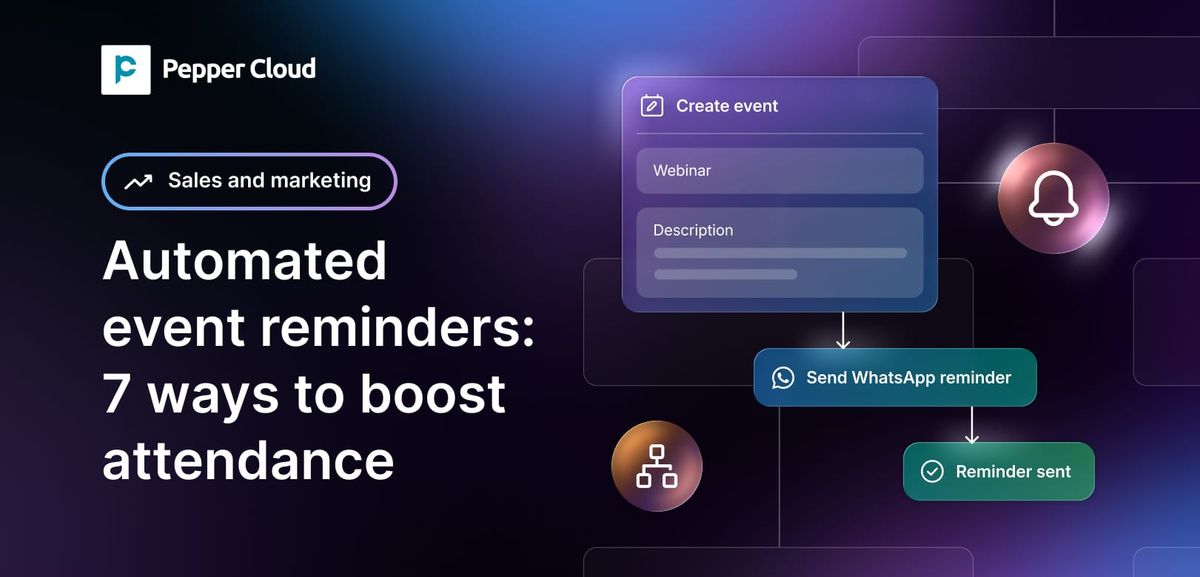
4. Post-purchase review request
After a sale or a completed service, this workflow waits a sensible interval and then sends a short, polite message asking the customer about their experience, with a direct link to leave a review or rating. The best versions ask one light question first, and only direct genuinely happy customers towards a public review.
It matters because reviews are social proof, and social proof drives the next customer's decision.
Most satisfied customers are perfectly willing to leave a review; they simply never get asked, or get asked at an awkward moment through an inconvenient channel. A timely WhatsApp request, sent when the experience is still fresh, meets people where they already are.
Practical setup tip: Timing and tone do the heavy lifting. Send the request when satisfaction is likely to be highest, keep it warm and brief, thank them genuinely, and make the link a single tap. Consider a light filter so you can address any unhappy feedback privately before it becomes a public rating.
 Pepper Cloud Marketing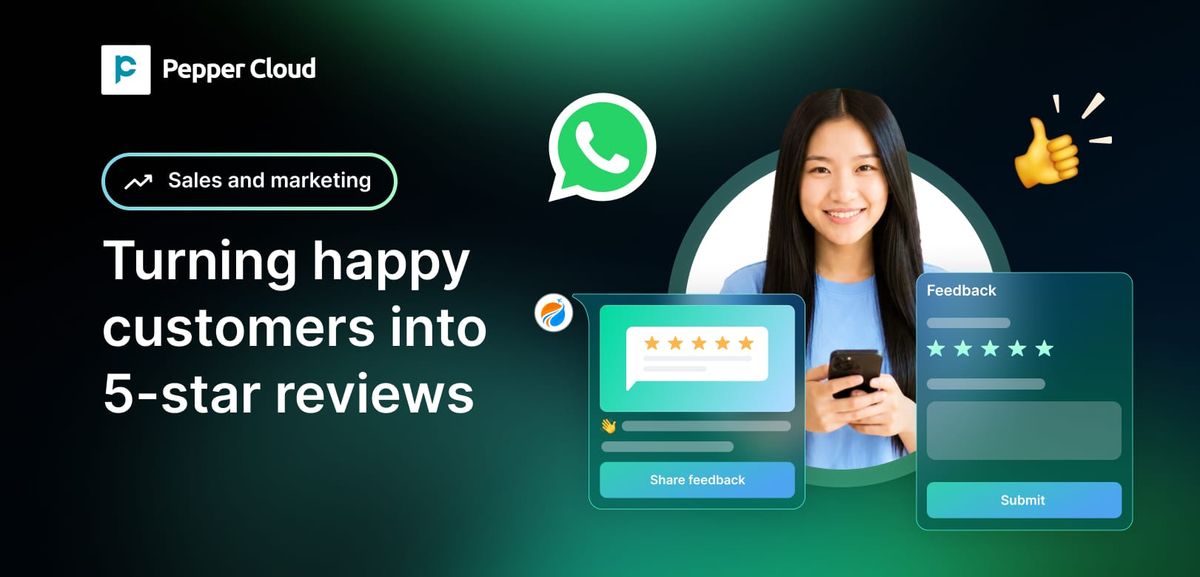
5. Win-back and re-engagement of lapsed customers
This final workflow identifies customers who have not bought or booked in a while and reaches out with a relevant, well-timed message to bring them back. That might be a gentle check-in, a reminder of something they previously liked, or a genuinely useful offer tied to their history with you.
It matters because re-engaging an existing customer is almost always easier and cheaper than winning a new one. These people already know you and have bought before; they have usually drifted away through inattention rather than dissatisfaction. A thoughtful nudge on a channel they actually read can recover revenue that would otherwise quietly disappear.
Practical setup tip: Segment by behaviour, not by guesswork. Define what "lapsed" means for your business, whether that is sixty days for a café or twelve months for a specialist service, and tailor the message to what each group did before. Send sparingly and give a clear, low-pressure reason to return.
Start with one of these, get it running cleanly, then add the next. Each workflow removes a specific, repeatable point of friction, and together they cover the full journey from first enquiry to long-term loyalty.
Final thoughts
WhatsApp automation works best when it solves real operational bottlenecks, not when it tries to replace human conversations.
The key is to start small, measure the results, and build from there. Each workflow you add removes another source of missed opportunities, helping your business respond faster, reduce manual work, and keep more customers engaged from their first enquiry to their next purchase.
Ready to turn WhatsApp into a growth channel instead of just another inbox? Book a personalised demo with Pepper Cloud AI WhatsApp CRM and see how AI-powered WhatsApp automation can help you capture more enquiries, reduce no-shows, increase reviews, and bring customers back.
Key takeaways
• Start small: Build one high-leverage workflow at a time rather than automating everything at once.
• Reply instantly to every enquiry, especially after hours, and capture each one as a proper record so nothing is lost.
• Treat reminders and no-show recovery as a single connected sequence, always leading with a helpful, one-tap next step.
• Ask for reviews when satisfaction is highest and make leaving one a single tap.
Frequently asked questions
1. What is WhatsApp automation for businesses?
WhatsApp automation uses predefined workflows to automatically send messages such as instant replies, booking confirmations, reminders, review requests, and customer follow-ups, helping businesses respond faster while reducing manual work.
2. Which WhatsApp automation workflow should I implement first?
Start with an instant enquiry acknowledgement. It ensures every customer receives a prompt response even outside business hours and prevents valuable leads from being missed.
3. Can WhatsApp automation reduce appointment no-shows?
Yes. Automated reminders sent before appointments, followed by friendly rebooking messages for missed appointments, help reduce no-shows and recover lost revenue.
4. Is WhatsApp automation suitable for small businesses?
Absolutely. Small businesses often benefit the most because automation handles repetitive tasks, allowing smaller teams to focus on personalised customer service and business growth.
5. How does WhatsApp automation improve customer retention?
Automated review requests, personalised follow-ups, and win-back campaigns help businesses stay connected with existing customers, encourage repeat purchases, and build long-term loyalty.