


New features: Smarter ticket module, Email enhancements, and more
What's new: ✔ Smarter ticket module ✔ Email drafts ✔ Email templates ✔ Event scheduling AI agent ✔ AI agent with API integration capability
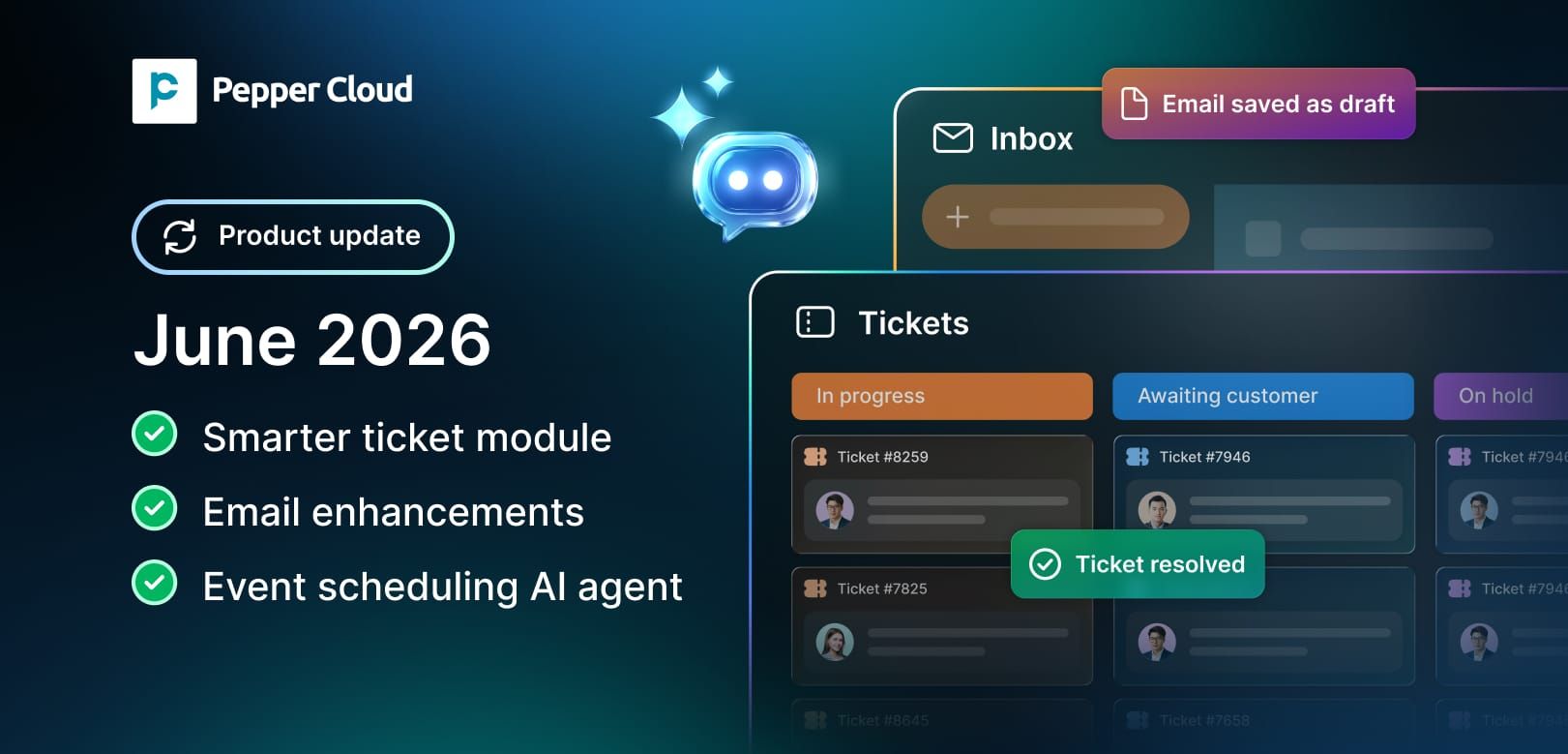

Every business wants to respond faster, stay organised, and reduce manual work. That's exactly what we've focused on in our latest updates.
From a more powerful Ticket Module to AI-powered event scheduling and real-time AI agent integrations, these enhancements are designed to make your day-to-day operations smoother and more efficient.
Let's take a closer look.
1. Smarter ticket module: Better visibility, better control
Managing customer requests becomes much easier when every ticket is tracked properly from start to finish.
Recently, we launched the ticket module. But with the latest update, you can access the enhanced ticket module. You can now create tickets manually or automatically from chats, emails, and individual records. You also have complete control over when tickets should be created by enabling or disabling automatic ticket creation from incoming messages.
What's new?
- Create tickets manually
- Generate tickets directly from chats, emails, or directly from the records
- Enable or disable auto-ticket creation from messages
- Define global SLAs across the organisation
- Set channel-specific SLAs for different support channels
- Associate tickets with contacts and accounts
- Add comments and checklists within tickets
- Track the complete ticket timeline in one place
Why this matters
Customer conversations often happen across multiple channels. Without proper tracking, important requests can easily be missed.
These enhancements help your team stay organised, maintain service standards, and get a complete view of every customer issue from creation to resolution.
 Pepper Cloud Marketing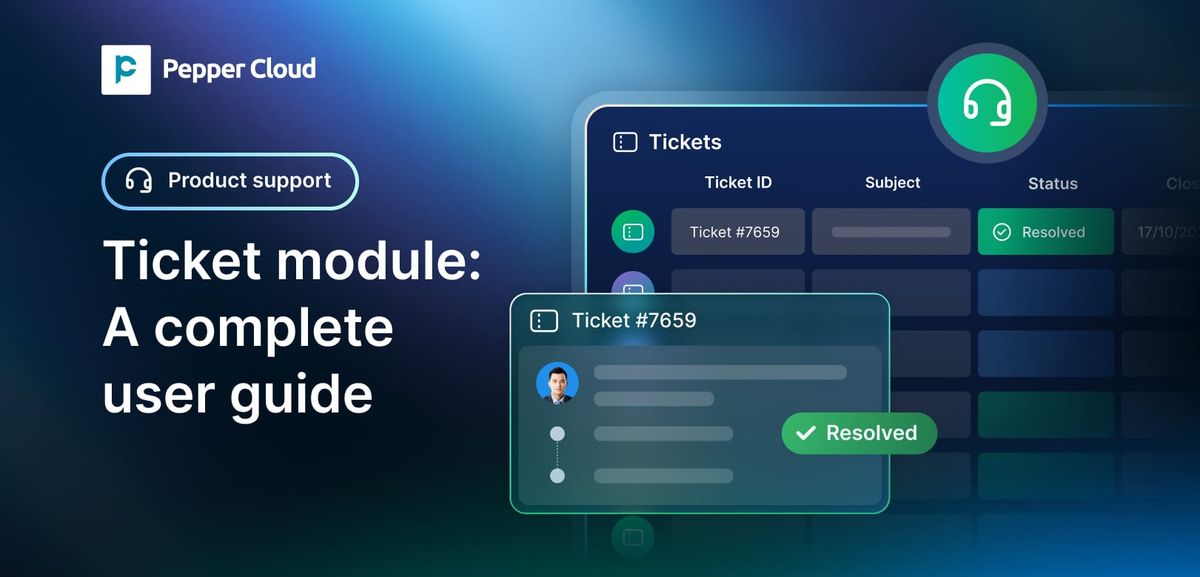
2. Email enhancements
2.1. Email drafts: Pick up where you left off
Ever started writing an important email and got pulled into another task before sending it?
Now you don't have to worry about losing your work.
The new email drafts feature automatically saves unfinished emails, allowing you to continue editing whenever you're ready.
What's new?
- Automatically save unfinished emails as drafts
- Continue editing drafts anytime
- Update draft content whenever required
- Bulk delete unwanted emails instantly
Why this matters
Writing thoughtful emails takes time. Auto-saving drafts ensures that your work is never lost, helping your team stay productive even during busy days.
 Pepper Cloud Marketing
2.2. Email templates: Consistency made easy
Many teams send similar emails repeatedly—follow-ups, introductions, appointment confirmations, and more.
With email templates, you can now create reusable templates and standardise communication across your organisation.
What's new?
- Create reusable email templates
- Admins can mark templates as Private or Public
- Private templates can be used by admins only
- Everyone in the organisation can access public templates
- Send templates directly to leads and contacts
- Use templates within automated workflows
Why this matters
Instead of rewriting the same emails again and again, your team can send consistent and professional communication in just a few clicks.
It also helps ensure that important information is delivered accurately every time.
3. Event scheduling AI agent: Let AI handle the calendar
Scheduling demos and appointments often involves multiple messages, follow-ups, and calendar checks.
Now your chatbot can handle that process automatically.
The Event Scheduling AI Agent can check availability, coordinate schedules, and book appointments without manual intervention.
What's new?
- Integrate the Event Scheduling AI Agent with your chatbot
- Connect your Google Calendar to verify your availability for scheduling the events
- Predefine event durations and other details
- Automatically schedule demos, consultations, appointments, and other meetings
Why this matters
Prospects and customers can book meetings faster without waiting for manual responses.
Your team spends less time coordinating schedules and more time focusing on meaningful conversations.
 Pepper Cloud Marketing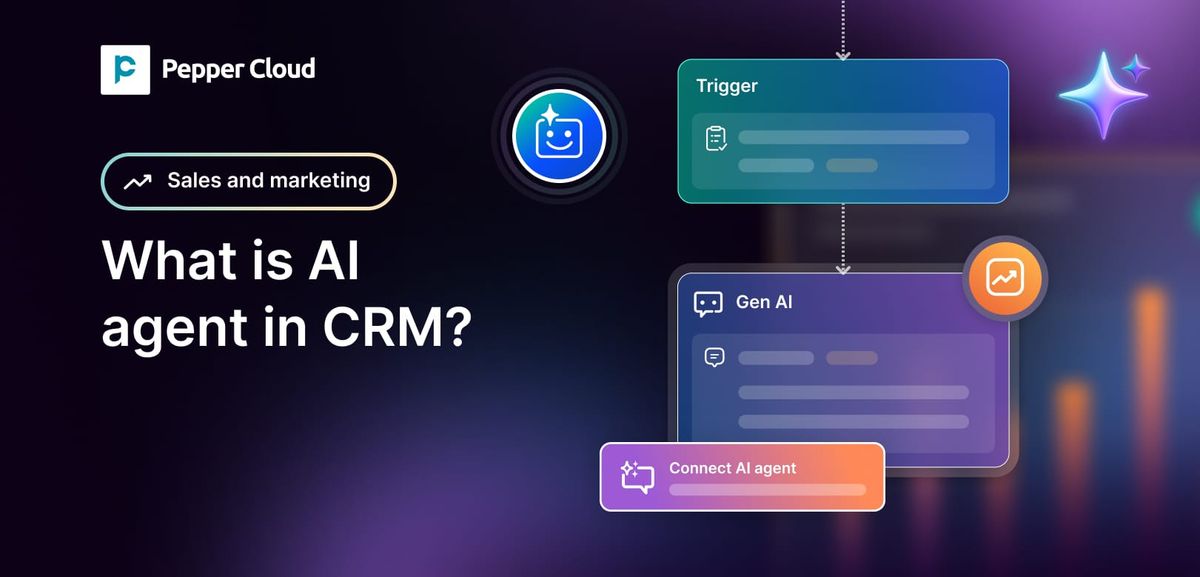
4. AI agent with API integration capability: Turn conversations into actions
AI agents become far more powerful when they can access real-time information and interact with external systems.
With API Integration Capability, your AI Agent can now retrieve information, update records, and automatically trigger actions.
What's new?
- Retrieve real-time information from connected systems
- Provide instant responses using live data
- Sync and update customer or transaction information across platforms
- Submit forms and service requests automatically
- Trigger workflows in n8n and other third-party applications
- Perform actions directly from customer conversations
Why this matters
Instead of simply answering questions, your AI Agent can now complete tasks on behalf of customers and employees.
Whether it's checking order status, updating customer information, submitting requests, or triggering business workflows, actions happen automatically without switching between multiple systems.
Ready to explore these enhancements?
These updates are now available to help your teams work faster, stay organised, and automate more of their daily processes.
If you haven't explored them yet, now is a great time to see how they can simplify your workflows and improve customer interactions.